The goggles feed, wherever it needs to go.
TW Streamer takes live video from FPV goggles and drone links to HDMI screens, the local network, live platforms and your switcher, and records it on the way. Set it up from your phone.
The lineup
One ready-made box, a licence for a board you own, the desktop app, and TW-Tweaks.
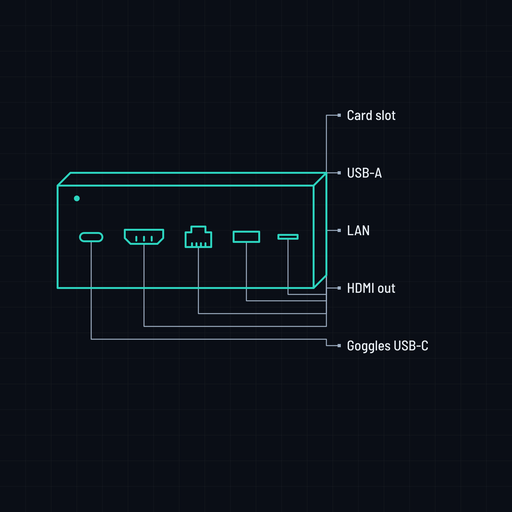
Ready to fly. Goggles in; HDMI, network, live and recording out.
Goggles 3N3Goggles 2IntegraGoggles V1 and V2HDMI capture
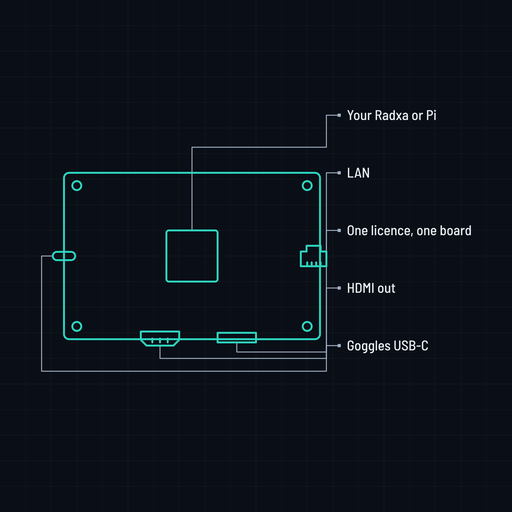
Everything the box does, on a board you own, for goggles.
ROCK 4 SEROCK 3AZero 3WRaspberry Pi 4
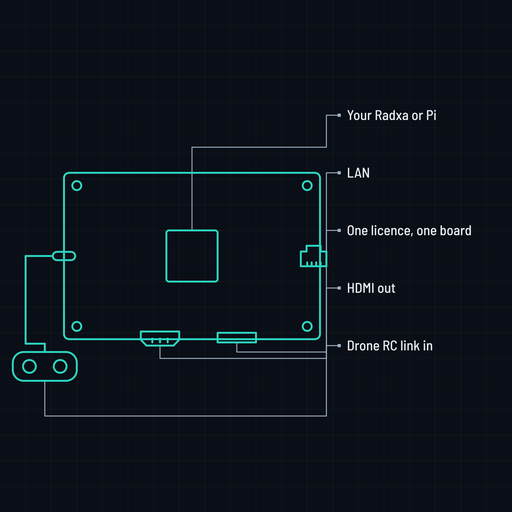
The same licence for the drone RC link instead.
RC-N1, N2, N3HDMI captureRTMP in
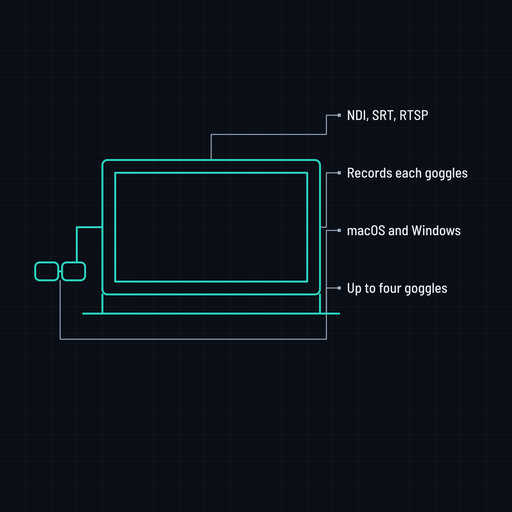
Unlimited goggles, NDI and recording in the free desktop app.
macOSWindowsUp to four goggles
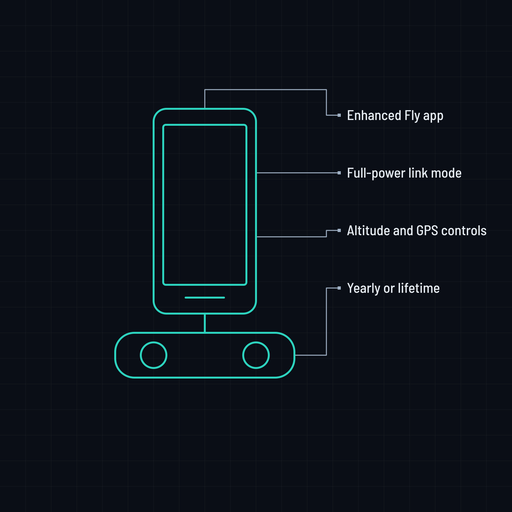
Enhanced Fly app for your controller: link, altitude, GPS.
RC-N1, N2, N3RC 2RC ProSubscription
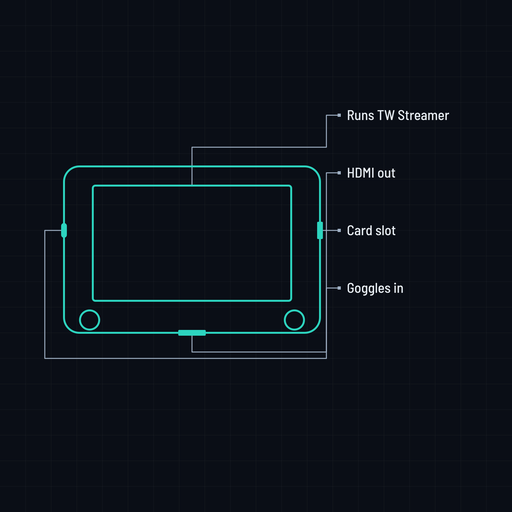
The same software on Hawkeye and RadioMaster AX12 monitors.
HawkeyeRadioMaster AX12
Fits your kit
Plug in what you fly and what you already own on the other end.
Sources
- Goggles 3, N3, 2, Integra over USB-C
- Goggles V1 and V2 over USB-A
- Drone RC-N1, N2, N3 links
- HDMI capture dongles: HDZero, analog
- RTMP push from a phone or encoder
Outputs
- HDMI to any screen, 1080p or 1080i
- Local network: browser, VLC, apps
- Live: RTMP, WHIP, SRT
- OBS and vMix: NDI, SRT, RTSP, UDP
- Recording to the memory card
- Colour grade and lens fix, live
Why a streamer
What each setup can do, honestly.
| Goggles alone | Phone and app | Capture card and laptop | TW Streamer | |
|---|---|---|---|---|
| Big screen over HDMI | No | Mirroring only | Yes | Yes |
| Share on the local network | No | Yes | Yes | Yes |
| Go live | No | Yes | Yes | Yes |
| Into OBS or vMix | No | Limited | Yes | Yes |
| Record with the phone free | No | No | Yes | Yes |
| Colour grade and lens fix, live | No | No | With plugins | Yes |
| Needs a laptop on set | No | No | Yes | No |
From box to air
Three steps, no laptop, no app store.
- Plug the goggles into the box over USB-C.
- Scan the QR on the screen and pick the outputs from your phone.
- Fly. HDMI, network, live and recording all run at once.
After you buy
Everything lives in the customer portal, with the same sign-in as TW-Tweaks.
Every unit updates itself over the internet; images and app builds are in the portal.
Setup guides for the Radxa and Raspberry Pi units, in English and Indonesian.
See your licences and activate one on your own board.
The free desktop app for macOS and Windows.