Skip to Content
  • Home
  • Shop
  • TW-Tweaks
  • Portal
  • Contact
  • radit@arkana.co.id
  • Sign in
  • Throttle Warriors
    • 0
    • 0
    • Contact Us
Throttle Warriors
  • 0
  • 0
    • Home
    • Shop
    • TW-Tweaks
    • Portal
    • Contact
  • radit@arkana.co.id
  • Sign in
  • Contact Us
  1. All products
  2. TW Streamer Hub
  3. All products
Pricelist: - Pricelist
TW Streamer Hub

TW Streamer Hub

MACOS · WINDOWS · FREE DOWNLOAD

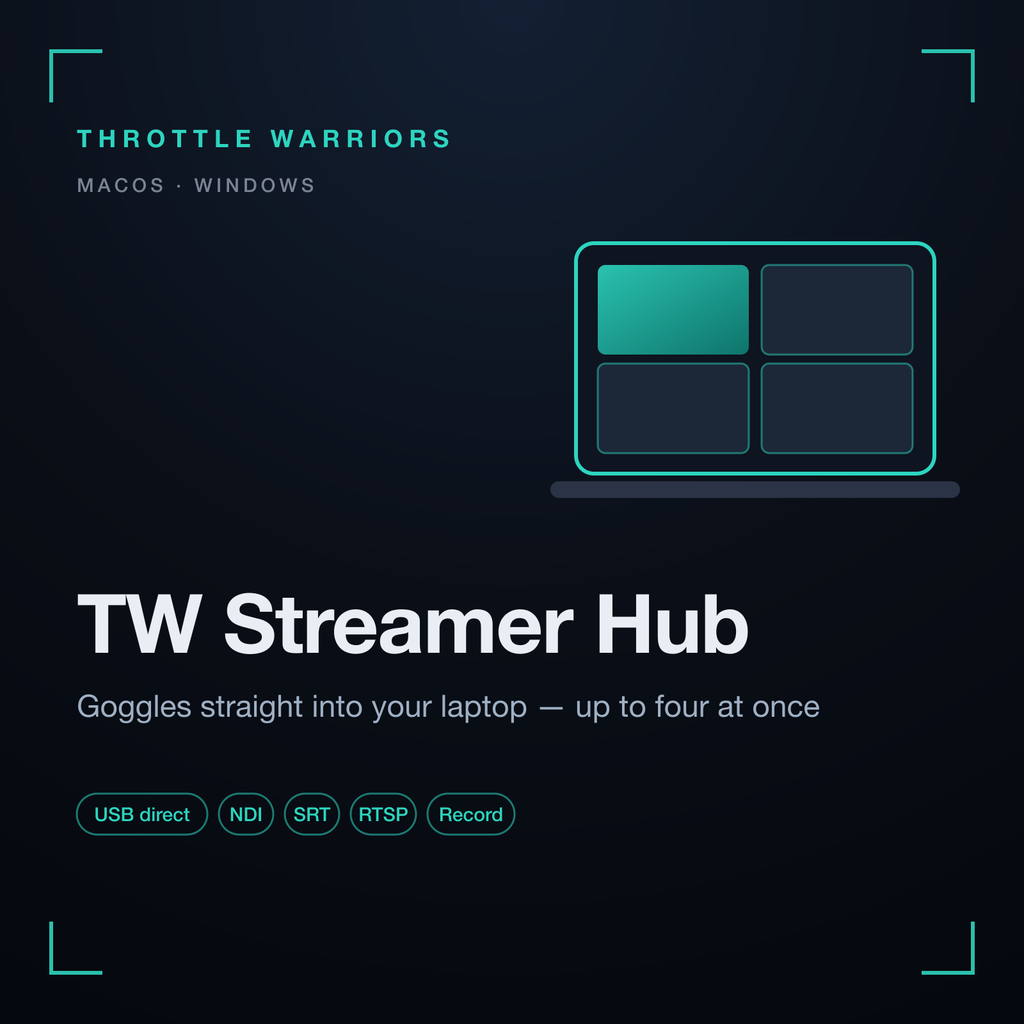
Goggles straight into your laptop. TW Streamer Hub turns a Mac or Windows PC into the capture station: plug the goggles in over the ordinary USB cable and the feed is on screen, on the network and on disk — up to four goggles at once, each with its own outputs. No box needed.

USB directUp to 4 gogglesNDISRTRTSPHTTP-TSRecordingmacOS · Windows

At a glance

GogglesGoggles 3 (USB-C, ordinary cable) and FPV Goggles V1/V2 — hot-plugged, up to four at once in any mix
Per gogglesIts own RTSP, HTTP-TS, SRT and NDI output and its own recording — the sources are named goggles-1 … goggles-4 in plug order
IntoOBS, vMix, any NDI or SRT receiver on the network; a clean full-screen player on a second monitor
LooksColor grading, lens correction and 4:3 → 16:9 conversion in the desktop apps
macOSNative app, tested path; multi-goggles works out of the box
WindowsNative app; the installer offers the WinUSB driver step so several goggles can share the machine
DemoFree: one stream, RTSP / HTTP-TS / SRT — no NDI, no recording
With the TW Streamer licenseUnlimited goggles, NDI and recording unlocked — the same license as your unit

Why a Hub

💻
Laptop is the box

Already carrying a laptop to the event? Skip the box: the Hub is the capture station.

4️⃣
Four goggles, one machine

Race directors and multi-pilot shoots: every goggles gets its own source and recording.

🎬
Switcher ready

NDI and SRT into OBS or vMix, or RTSP for anything else on the network.

🖥️
Clean screen

Fill a second monitor with any goggles at the click of a button — nothing drawn over the picture.

🎥
Record each source

Every goggles records separately to the folder you choose.

🔑
One license, everywhere

The license you buy for the unit also unlocks the Hub — no second purchase.

Get it

  1. Sign in to the customer portal — free account, the same one as TW-Tweaks.
  2. Download — TW Streamer Hub for macOS (Apple silicon) or Windows x64 from the Downloads page.
  3. Plug in the goggles — the feed appears; the demo works right away.
  4. Unlock — add a TW Streamer license to lift the demo limits.
Download in the portalGet the license
Customer portal

Your licenses, latest downloads, changelog and the user manuals live in one place. Sign in with your Throttle Warriors account (the same account as TW-Tweaks).

Open the portalUser manualsChangelog

Windows multi-goggles is built and shipped but has not yet been verified on hardware — macOS is the tested path. Not affiliated with any goggles manufacturer.

Contact Us
Price
Rp 0.00 Rp 0.00
Terms and Conditions
30-day money-back guarantee
Shipping: 2-3 Business Days
Shop

  • TW Streamer
  • All products Customer portal User manuals
Support

  • Contact us
  • Privacy policy
Our payment methods


Secure checkout via Xendit Ships from Indonesia
© Throttle Warriors - Privacy Policy
Powered by Odoo - The #1 Open Source eCommerce